Note
Go to the end to download the full example code.
Loops#
This minimal example shows how to style a plot loops.
import networkx as nx
import iplotx as ipx

# Create a graph and add a self-loop to node 0
G = nx.complete_graph(3, create_using=nx.DiGraph)
pos = nx.circular_layout(G)
ne = G.number_of_edges()

# Add self-loops to the remaining nodes
G.add_edge(0, 0)
edgelist = [(1, 1), (2, 2)]
G.add_edges_from(edgelist)

# Style the edge lines
linestyle = {e: "-" if e not in edgelist else "--" for e in G.edges()}

ipx.network(
    G,
    layout=pos,
    vertex_labels=True,
    style={
        "vertex": {
            "size": 30,
            "facecolor": "lightblue",
            "edgecolor": "none",
            "label": {
                "color": "black",
            },
        },
        "edge": {
            "linestyle": linestyle,
            "paralleloffset": 0,
            "looptension": 3.5,
            "arrow": {
                "marker": "|>",
            },
        },
    },
)
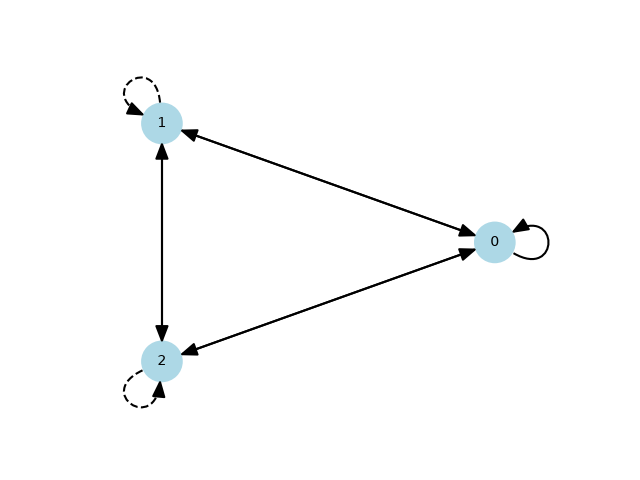
[<iplotx.network.NetworkArtist object at 0x7af3e8f95090>]
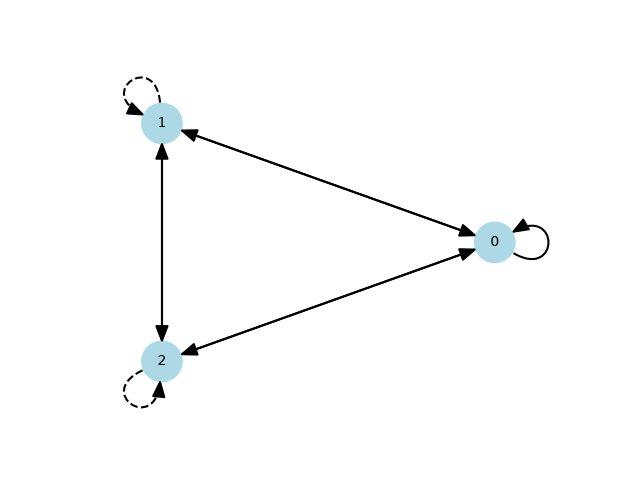
In addition to fully structured styles in the form of nested dictionaries, iplotx also accepts flat or semi-flat styles, with levels separated by underscores (“_”). The above is equivalent to:
ipx.network(
    G,
    layout=pos,
    vertex_labels=True,
    style=dict(
        vertex_size=30,
        vertex_facecolor="lightblue",
        vertex_edgecolor="none",
        vertex_label_color="black",
        edge_linestyle=linestyle,
        edge_paralleloffset=0,
        edge_looptension=3.5,
        edge_arrow_marker="|>",
    ),
)
[<iplotx.network.NetworkArtist object at 0x7af3e8e2bc50>]
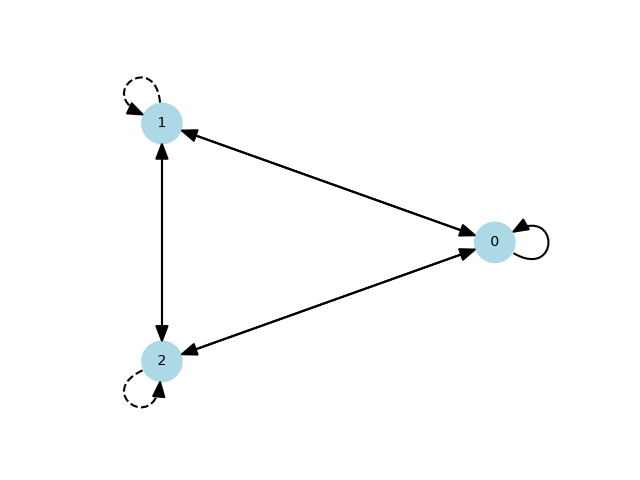
The **kwargs flexible argument of ipx.plotting can be used for this purpose as well, for increased readability:
ipx.network(
    G,
    layout=pos,
    vertex_labels=True,
    vertex_size=30,
    vertex_facecolor="lightblue",
    vertex_edgecolor="none",
    vertex_label_color="black",
    edge_linestyle=linestyle,
    edge_paralleloffset=0,
    edge_looptension=3.5,
    edge_arrow_marker="|>",
)
[<iplotx.network.NetworkArtist object at 0x7af3e8d87610>]
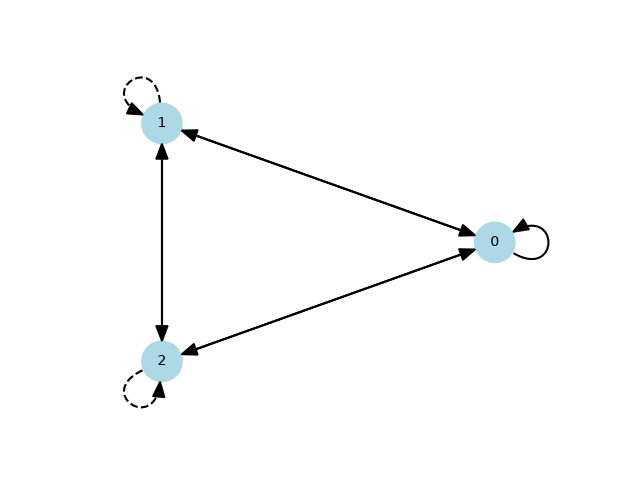
The same can be achieved also with a style context:
with ipx.style.context(
    vertex_size=30,
    vertex_facecolor="lightblue",
    vertex_edgecolor="none",
    vertex_label_color="black",
    edge_linestyle=linestyle,
    edge_paralleloffset=0,
    edge_looptension=3.5,
    edge_arrow_marker="|>",
):
    ipx.network(
        G,
        layout=pos,
        vertex_labels=True,
    )
Total running time of the script: (0 minutes 0.161 seconds)