Note
Go to the end to download the full example code.
Leaf edges#
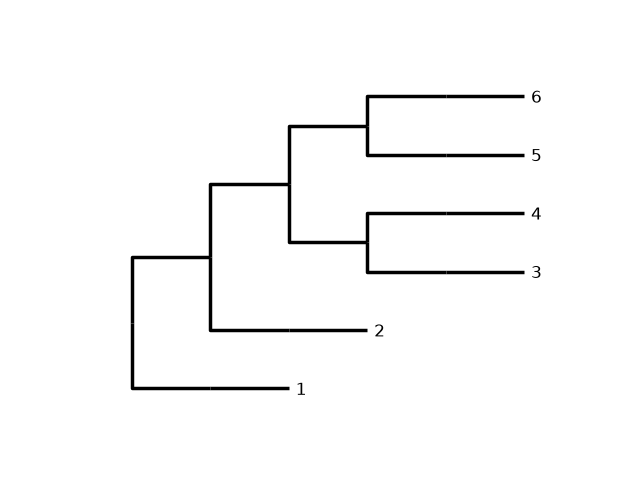
This example shows how to use leaf edges, dashed lines connecting each leaf to the deepest leaf and label.
from ete4 import Tree
import iplotx as ipx

tree = Tree(
    "((),((),(((),()),((),()))));",
)

ipx.plotting.tree(
    tree,
    leaf_labels={leaf: str(i + 1) for i, leaf in enumerate(tree.leaves())},
)
<iplotx.tree.TreeArtist object at 0x7af390d85950>
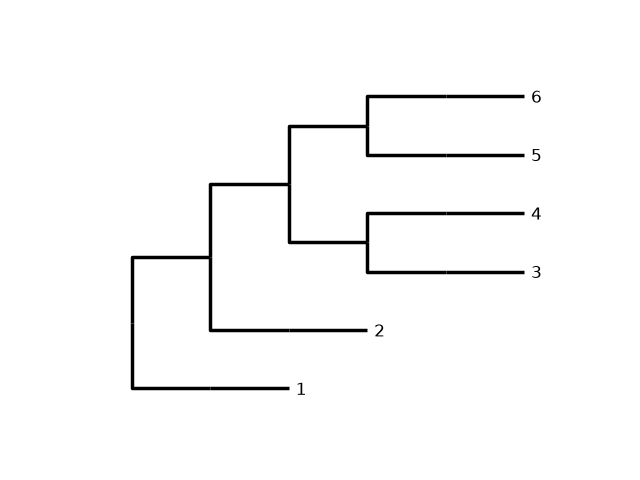
Leaf edges are used by default when leaf labels are present and deep leaves are set (default). If you use shallow leaves, leaf edges are not plotted:
ipx.plotting.tree(
    tree,
    leaf_labels={leaf: str(i + 1) for i, leaf in enumerate(tree.leaves())},
    leaf_deep=False,
)
<iplotx.tree.TreeArtist object at 0x7af390da1590>
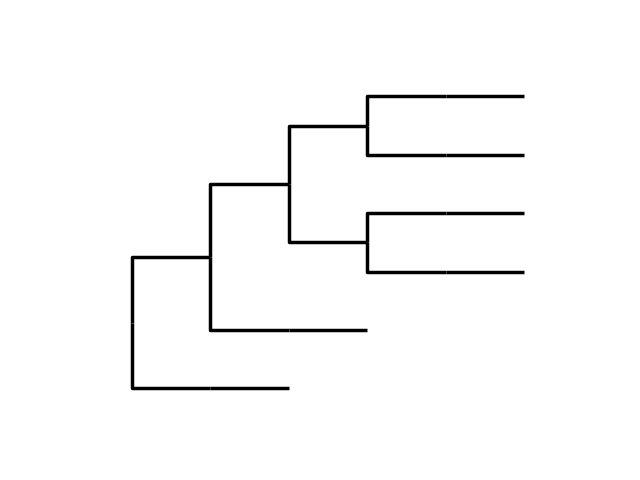
Similarly, if there are no leaf labels, leaf edges are not plotted:
ipx.plotting.tree(
    tree,
)
<iplotx.tree.TreeArtist object at 0x7af382ca5e50>
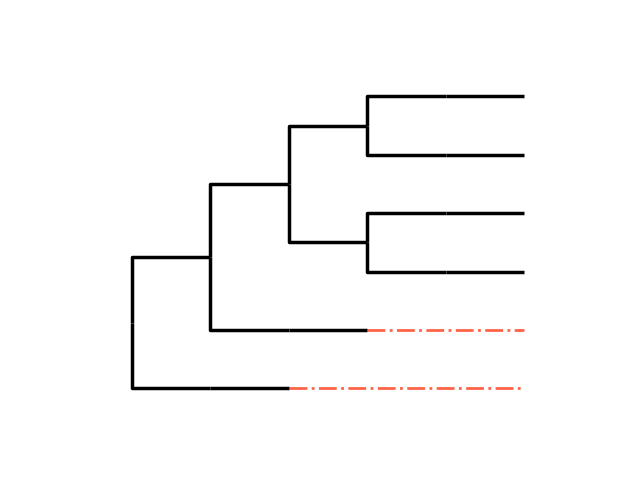
You can finely tune this behaviour. For instance, you can force leaf edges despite absence of leaf labels, and change their visual appearance:
ipx.plotting.tree(
    tree,
    leaf_deep=True,
    leafedge_color="tomato",
    leafedge_linewidth=2,
    leafedge_linestyle="-.",
)
<iplotx.tree.TreeArtist object at 0x7af382c1d6d0>
Total running time of the script: (0 minutes 0.142 seconds)