Note
Go to the end to download the full example code.
Subtree styling#
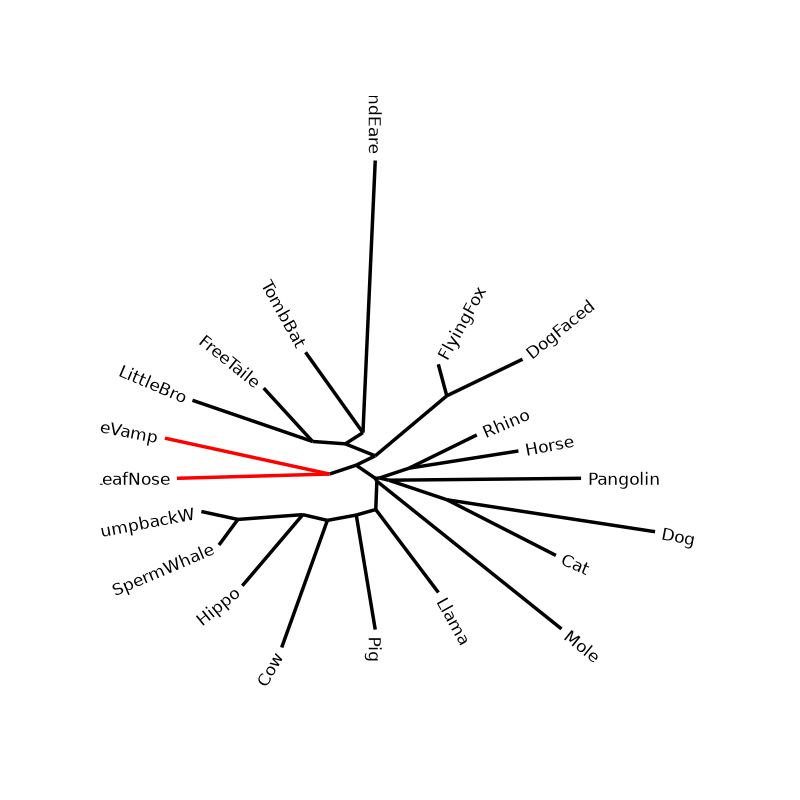
This example shows how to style tree clades - or subtrees - post rendering, similar of the equivalent option in cogent3.
import cogent3
import matplotlib.pyplot as plt
import iplotx as ipx

tree = cogent3.load_tree("data/tree-with-support.json")

fig, ax = plt.subplots(figsize=(8, 8))
art = ipx.tree(
    tree,
    layout="radial",
    ax=ax,
    leaf_labels=True,
    layout_angular=True,
    leaf_deep=False,
    margin=0.1,
)

# Style the subtree spanned by the first two leaves
# with red edges.
art.style_subtree(
    tree.tips()[:2],
    {
        "edge": {
            "color": "red",
        },
    },
)
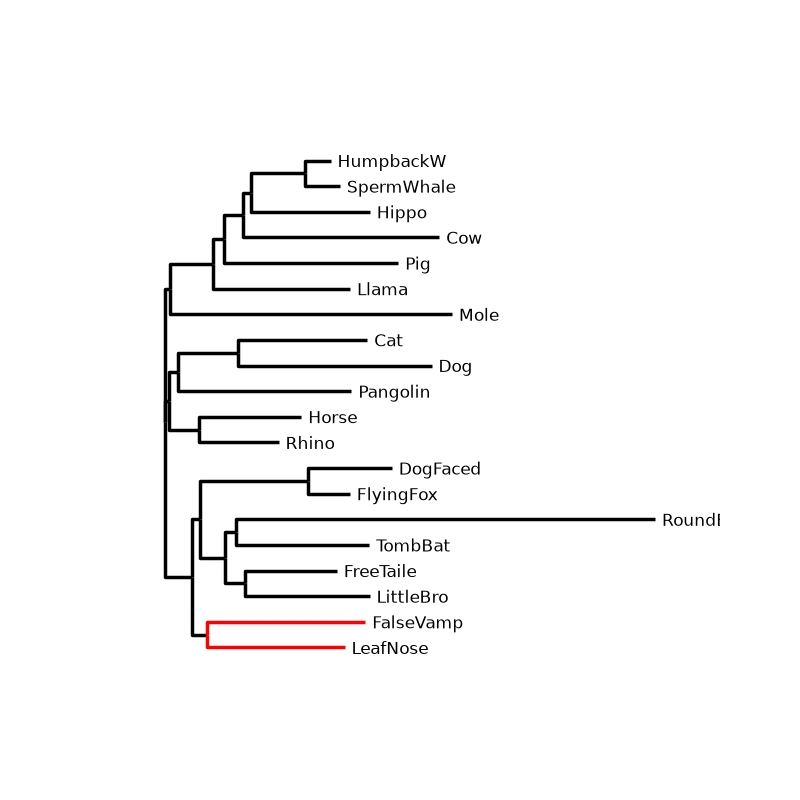
The same can be done with nonangular layouts:
fig, ax = plt.subplots(figsize=(8, 8))
art = ipx.tree(
    tree,
    layout="horizontal",
    ax=ax,
    leaf_labels=True,
    layout_angular=False,
    leaf_deep=False,
    margin=0.1,
)
art.style_subtree(
    tree.tips()[:2],
    {
        "edge": {
            "color": "red",
        },
    },
)
Total running time of the script: (0 minutes 0.179 seconds)